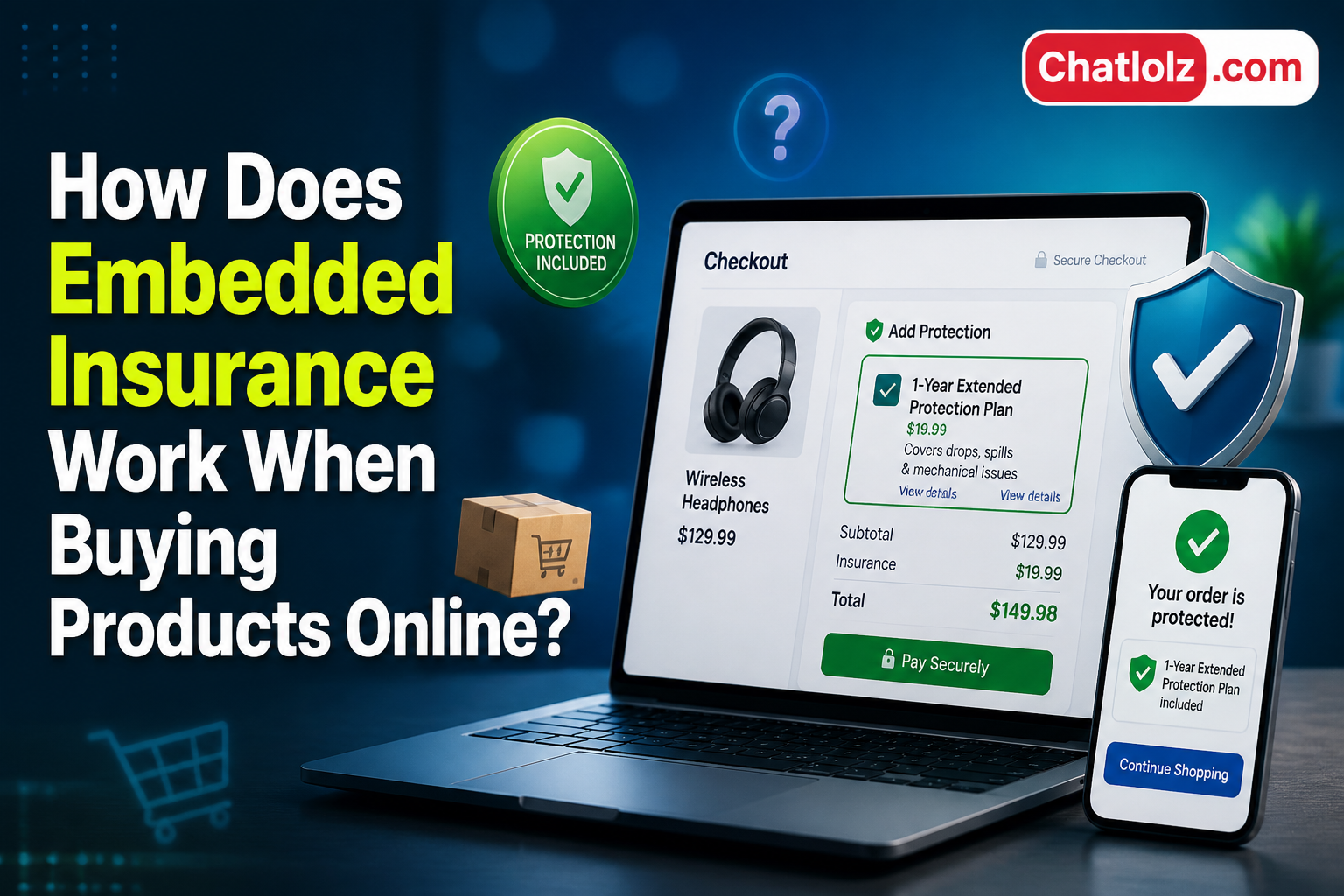
An online checkout may offer to protect a phone, cover a delivery, or add another kind of coverage to a purchase. This raises a practical question: how does embedded insurance work when buying products online? Embedded insurance is an insurance offer integrated into the journey for buying or using a different product or service. Instead of searching separately, you see the option where it may be relevant. The convenience can be useful, but the offer is not automatically a good fit. Its value depends on the written terms, including what is covered, who provides the protection, how long it lasts, and how claims are handled. Here is how to evaluate it before you click “add.”
What Is Embedded Insurance?
Embedded insurance is coverage offered as part of, or integrated into, the customer journey for another product or service. For example, an online retailer might display a protection plan when you buy electronics, or a booking platform might present coverage alongside a trip. The insurance is connected to the purchase experience, but it is still a separate coverage decision.
The key feature is how the offer is distributed: it appears within a related shopping or use journey rather than requiring you to find an insurance provider separately. Digital integration lets a retailer or platform present an offer when a customer is already considering a related purchase. McKinsey describes embedded insurance as a model that integrates insurance into partner journeys.
“Embedded” does not tell you what the protection covers or whether it is worthwhile. Those details depend on the specific policy or agreement. An offer beside a product may be optional, and you can generally review its terms and decline it without assuming that the retailer’s main product purchase will be cancelled. Check the checkout terms if anything is unclear.
How the Online Purchase Process Usually Works
A typical transaction has a few straightforward steps:
- Choose the main product or service. You select an item, ticket, booking, or other service from a retailer or platform.
- Review the coverage offer. A product page or checkout screen may show an optional plan, its price, and a short summary. That summary is not necessarily the complete contract.
- Decide whether to accept. Consider the price and terms, then add the coverage or continue without it. Make sure your selection is intentional; do not rely on a preselected box or brief label to explain the full offer.
- Receive confirmation if you buy it. Look for a separate policy, certificate, or service agreement. It should identify the provider and explain the coverage, start and end dates, and support or claims procedures.
- Use the stated support or claims process if needed. Follow the contact details and instructions in the documents supplied for your specific coverage.
The process may be almost seamless on screen, but the coverage agreement remains important. Save the confirmation and documents somewhere you can find them later.
Who Does What: Retailer, Insurer, and Administrator
Several organizations may be involved, and their roles are not interchangeable.
- Retailer or platform: Displays the offer and may help distribute or arrange it. Its presence at checkout does not, by itself, mean it is the insurer.
- Insurer or coverage provider: The policy or agreement should identify the organization responsible for providing the promised coverage. If the offer is insurance, this is generally the insurer named in the policy.
- Broker, administrator, or service partner: An intermediary may arrange the offer, manage enrollment, answer questions, or administer claims. Exact duties vary by arrangement.
Do not assume the retailer handles claims just because you bought the add-on there. Likewise, do not assume that a company shown in a checkout banner is responsible for paying a covered claim. Check the documents for the provider’s legal name and the correct support contact. If you are unsure who to contact, start with the instructions in your confirmation rather than guessing.
What to Check Before Adding Coverage
Read beyond the headline benefit and ask practical questions. This checklist can help:
| Item | What to find out |
|---|---|
| Covered events | What specific loss, damage, delay, or other event qualifies? |
| Exclusions and conditions | What is excluded? Are there required steps, waiting periods, or eligibility rules? |
| Limits and costs | Is there a maximum payment, deductible, excess, or limit per claim? |
| Price and duration | What is the total cost, and when does coverage begin and end? |
| Claims | How and when must you file, and what receipts, photos, or other evidence may be needed? |
| Provider | Which insurer or service-contract provider is responsible? Who administers support? |
| Cancellation | Can you cancel? What deadline and refund terms apply? |
Also check whether the benefit overlaps with protection you already have. Depending on your circumstances, an existing insurance policy, payment-card benefit, seller promise, or other arrangement may offer relevant protection. Do not assume that it does: confirm the coverage, limits, exclusions, and claims rules with the existing provider. Compare like with like, including the amount you would have to pay yourself and the circumstances in which a claim is allowed.
A quick decision rule is to compare the add-on’s cost with the protection it actually promises—not with the product’s full retail price. Consider whether the stated exclusions leave out the risks you are most concerned about and whether you could reasonably handle the loss without the add-on.
Insurance, Warranties, and Service Contracts Are Different
Checkout pages may use terms such as “protection,” “warranty,” or “extended coverage.” Do not assume those labels describe the same legal arrangement.
A manufacturer’s or seller’s warranty generally sets out promises about a product, such as certain repair or replacement obligations. An optional service contract is a separate agreement that may provide specified repairs, maintenance, or related services for an additional cost. The Federal Trade Commission explains that a service contract is not the same as a warranty, even though “extended warranty” is often used to describe one. Read the FTC’s guide to warranties.
Insurance is another category, but the exact classification of a particular offer can depend on its structure and the rules where it is sold. The label on a checkout button is not enough to settle that question. Read the agreement itself: identify the provider, the promised benefit, covered events, exclusions, and how to request help. If you cannot tell whether the offer is insurance or a service contract, ask the seller or named provider before purchasing.
How Claims and Support May Work
A claim generally begins with the contact route and instructions set out in the policy or agreement. Depending on the arrangement, you might contact the insurer, an administrator, or another named service provider. The retailer may also offer a route to support, but its role varies by program.
Before a problem happens, note the claim deadline, required documents, and any steps you must take to protect the item or report an incident. If you need to make a claim, keep relevant evidence, such as proof of purchase, the coverage confirmation, and any requested photos or repair information. Submit the claim through the stated channel and keep copies of messages and reference numbers. These are general preparation tips; the actual requirements are those in your specific documents.
If a claim is declined or you cannot identify the responsible organization, review the reason and the agreement, then use the complaint or appeal process described there. Rules and procedures can differ by provider and jurisdiction, so do not rely on a general online article to determine your rights in a particular case.
A Practical Checkout Checklist
Before adding an online protection offer, pause for a short review:
- Is the offer optional, and what exactly am I buying?
- What events are covered, and which exclusions or limits matter most?
- Who is the insurer or service-contract provider, and who handles claims?
- What is the full price and the coverage period?
- Do I already have similar protection, and have I checked its actual terms?
- Can I cancel, and what are the refund conditions?
If the checkout page does not provide enough information, look for the full terms before paying or contact the named provider. If the answer remains unclear, declining the add-on is a reasonable choice; you can make an informed decision only when you understand what is being offered.
Conclusion
Embedded insurance lets you consider coverage while buying a related product or service online. Its convenience does not remove the need to read the agreement or identify who is responsible. Check the covered events, exclusions, limits, cost, duration, claims process, and cancellation terms, and compare them with protection you may already have. Do not treat a warranty, service contract, and insurance policy as interchangeable. If you decide to buy, save the policy or agreement, confirmation, and proof of purchase. If the offer’s terms are unclear, ask the named provider before accepting it.
Frequently Asked Questions
Is embedded insurance automatically included with an online purchase?
Not necessarily. It is often an optional add-on, but check the checkout terms and order summary to confirm whether it has been selected and whether it adds a charge.
Is the retailer the insurer?
Not always. A retailer or platform may distribute or arrange an offer without underwriting it. Check the policy or agreement for the responsible provider and support contact.
What should I read before buying an add-on?
Review covered events, exclusions, limits, price, duration, claim instructions, provider details, and cancellation terms. The checkout summary may not contain every condition.
Is an extended warranty the same as insurance?
Not necessarily. The term is often used for a service contract, which is a separate agreement and is not the same as a manufacturer’s warranty. Read the agreement to identify what is being offered.
Can I make a claim through the retailer?
Possibly, but claim handling varies. Follow the contact route and process in your specific policy or agreement rather than assuming the retailer handles claims.
How can I decide whether the coverage is worth the price?
Compare its cost with its benefits, limits, exclusions, and duration. Check whether existing coverage addresses the same risk and whether the add-on fills a gap that matters to you.